Shifts, signals, alerts and checklists · Guide 3 of 11
Deleting finished shifts
How Factory and Company administrators can permanently delete a finished shift from Shift View.
It is possible to delete finished shifts directly from Shift View (ongoing shifts do not have this option available). There is no time restriction for this feature, meaning that even old shifts can be deleted. You can only delete whole shifts, not just a part of a shift.
How to delete a finished shift from Shift View?
-
Go to the shift you want to delete in Shift View.
-
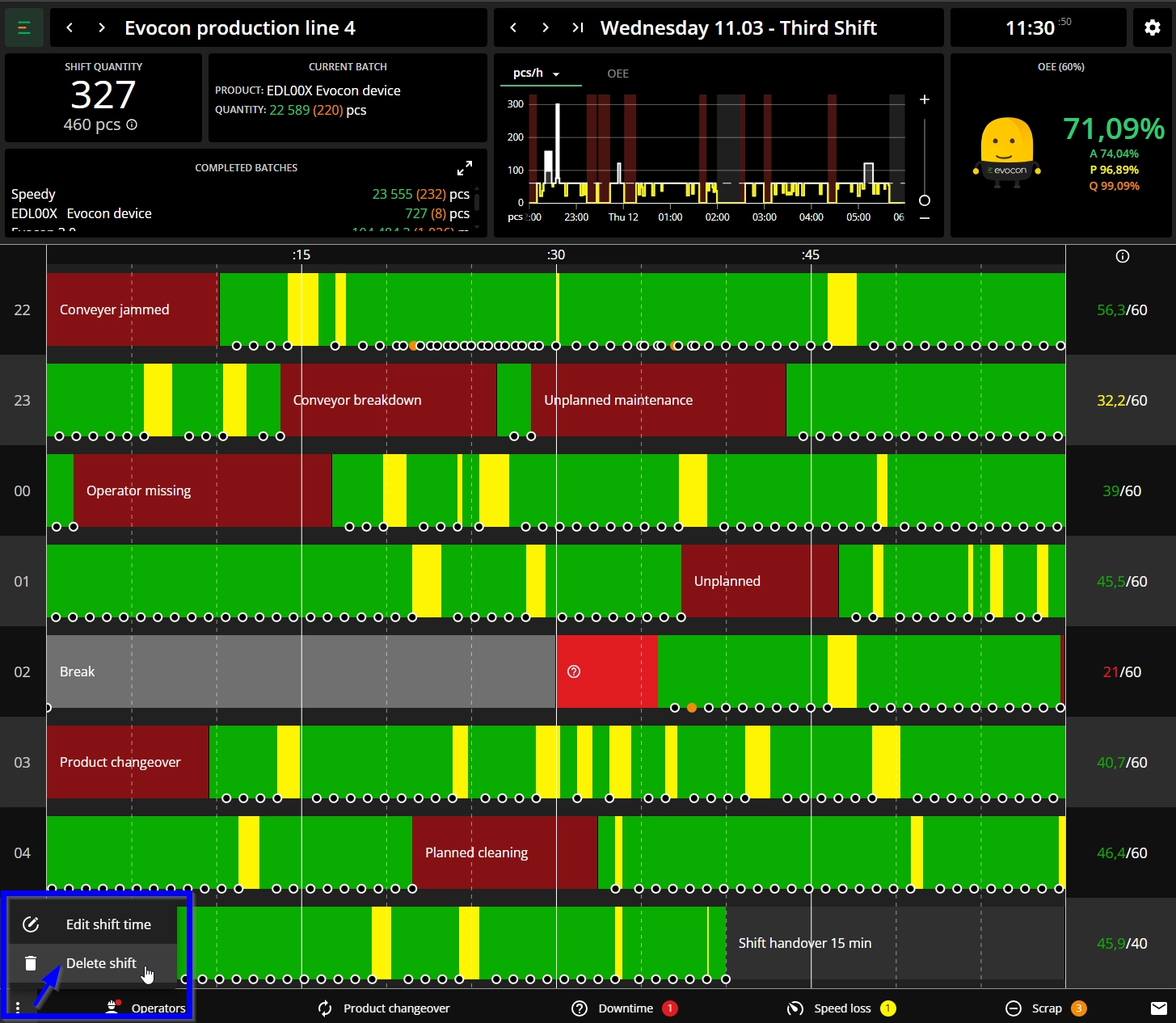
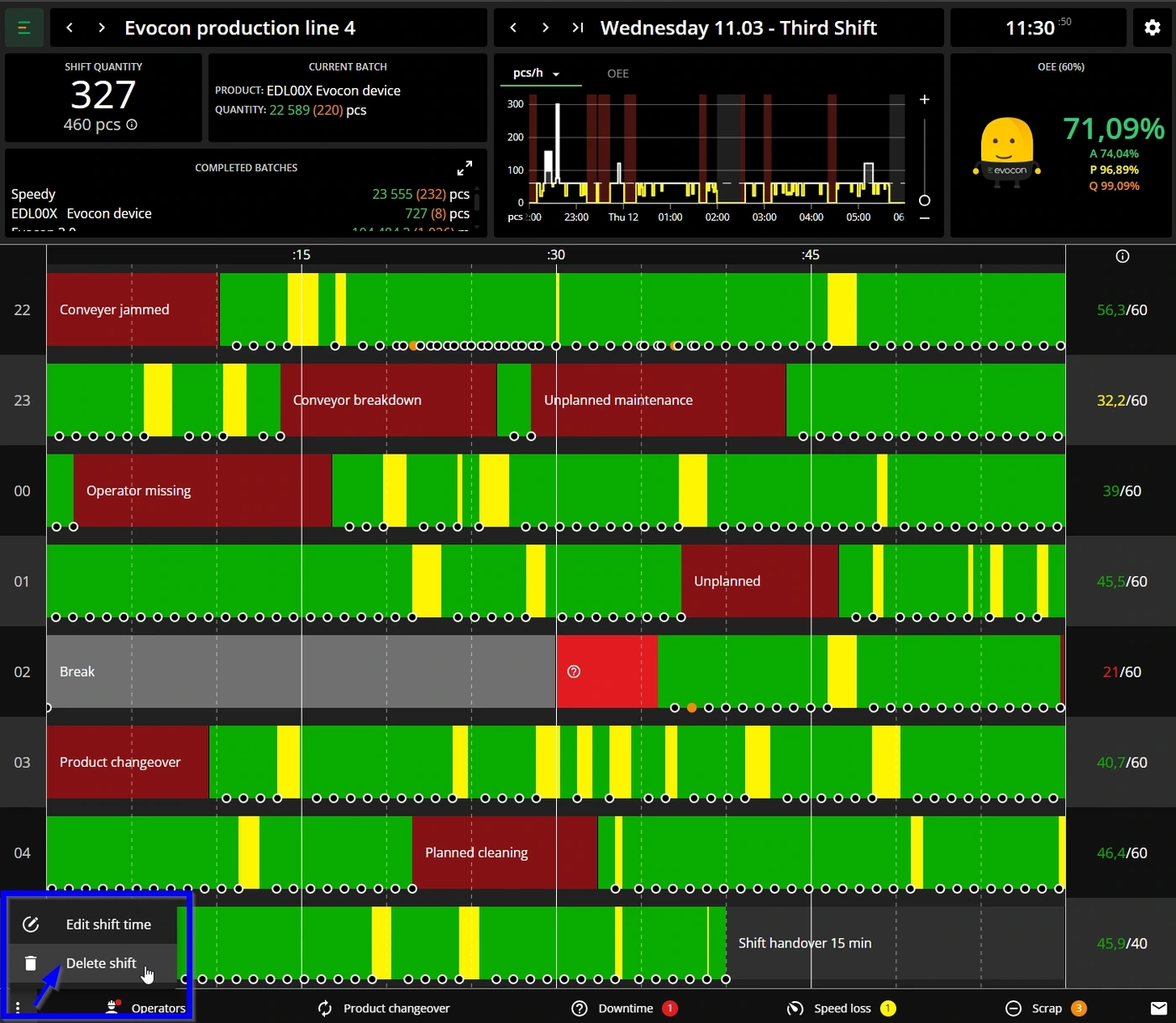
Click on the three dot menu in the bottom left corner:
-
Click on "Delete shift".
-
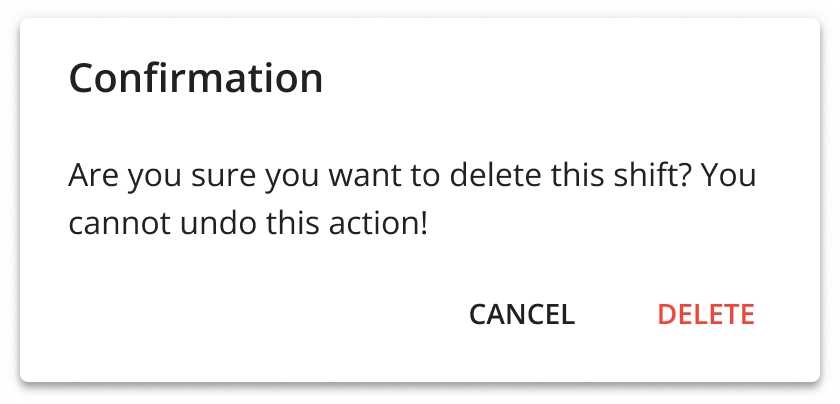
Make sure you are deleting the correct shift (as you can not undo this action) and confirm by clicking "Delete":