
First access and account · Guide 2 of 7
Initial login and password
How new Office and admin users create their password from the welcome e-mail, and what to do if the 24-hour link has expired.
The welcome e-mail for Office and admin users looks like this:
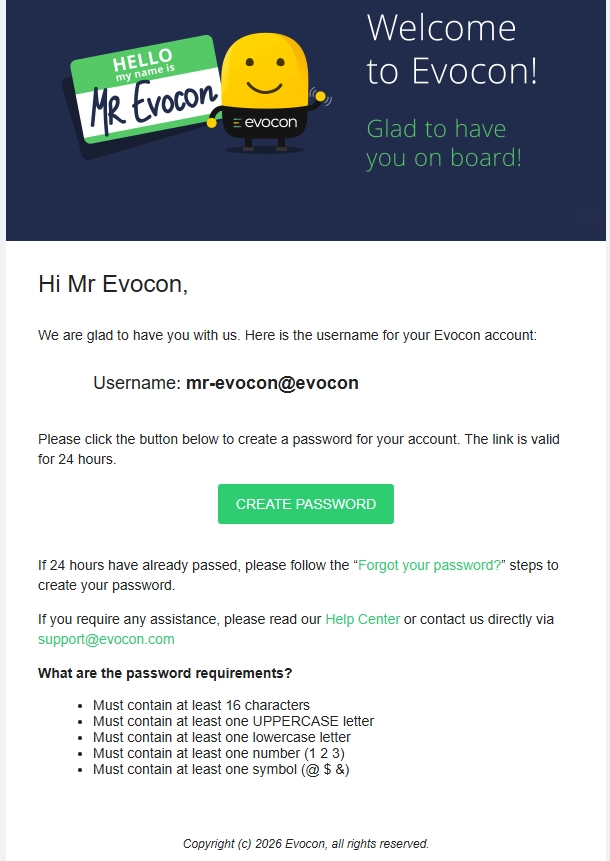
The newly added user can use the "Create password" button to create a password for their Evocon account.

What if I missed the 24 hour deadline to create a password for my new account?

If more than 24 hours have passed since you received your welcome email, the password creation link has expired. But it is possible to use the resetting flow to set a password (as stated in the welcome e-mail as well).
To set your password:
- Go to the login page
- Click "Forgot your password?"