
Estaciones, productos y motivos · Guía 4 de 14
Alternative unit
Traducción en revisión: se muestra el texto original en inglés.
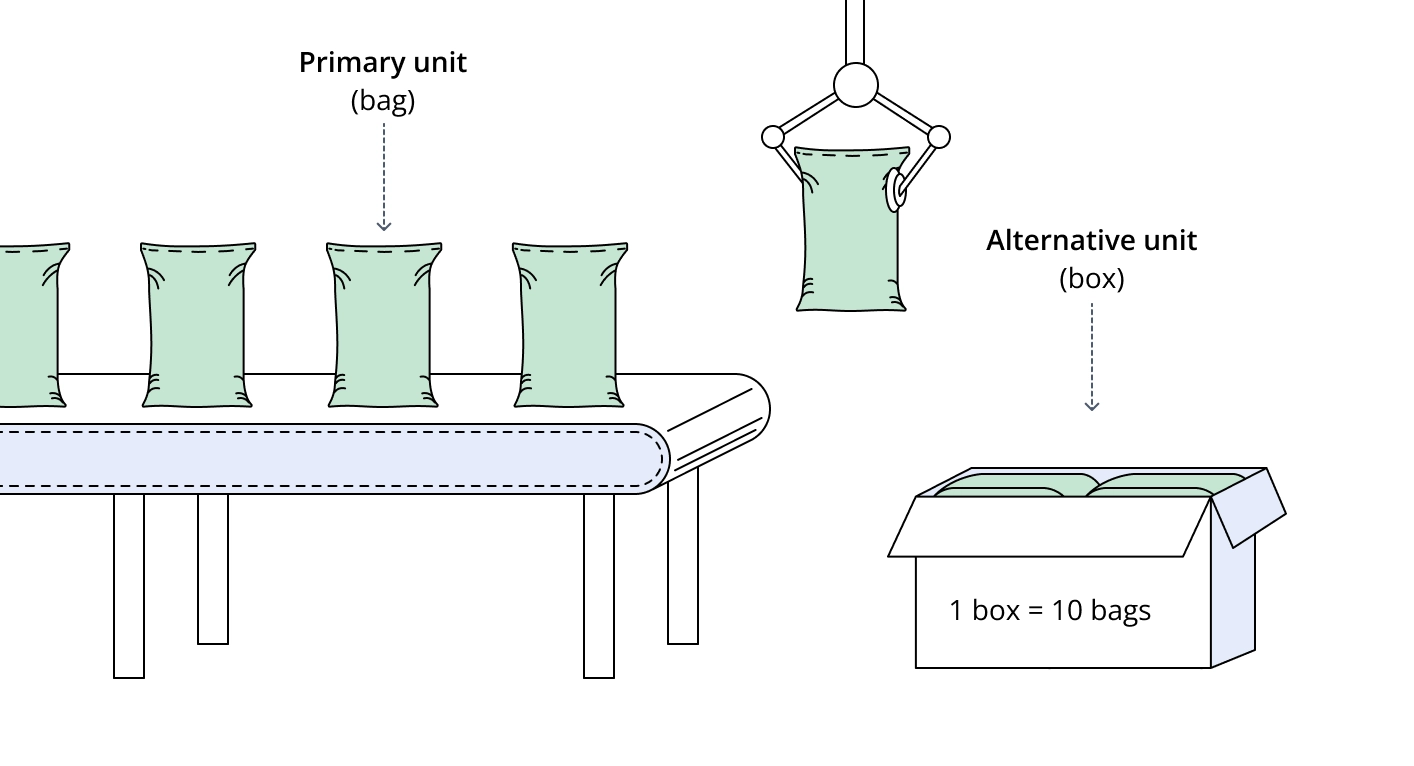
Alternative unit feature adds the possibility of defining a secondary unit for products.
For example, one product can be tracked in boxes and bags. One unit could be used in cost calculation and reporting. The other is what is used on the shop floor (who is using Shift View) to understand production. That’s why we provide a possibility to add a conversion between the primary and alternative unit.
How to set an alternative unit for a product?
-
Go to Settings and open the “Products” card
-
Add a new product or edit an existing one
-
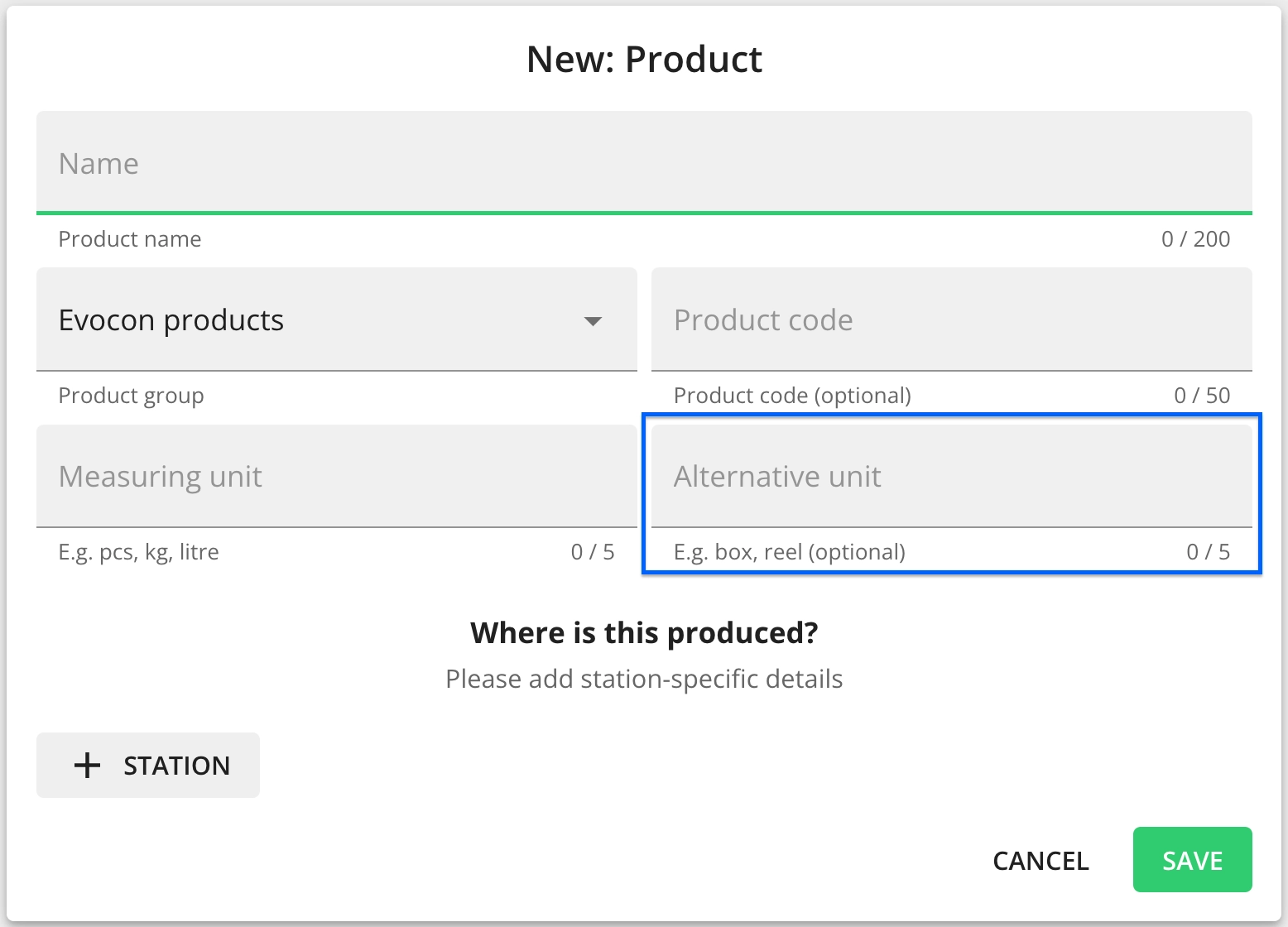
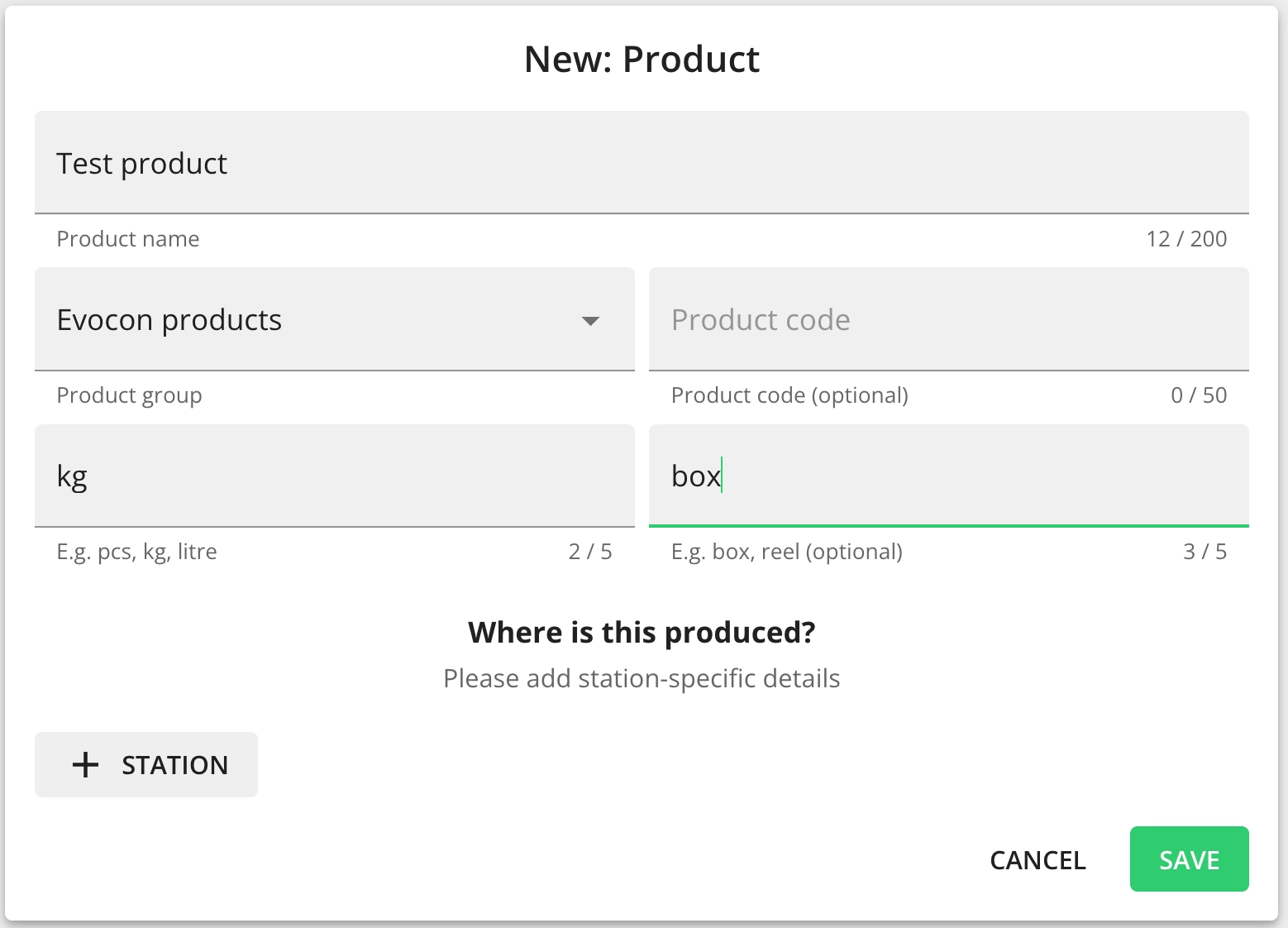
Enter the alternative unit, for example, we have set it as “box” (this enables the feature and you can set the conversion details between units when setting the production speed for each station).
-
Click “+Station” to set a new route or edit an existing one
-
Select which way the conversion should be (field marked 2) and set the lt ti it l (fi ld k d 1)